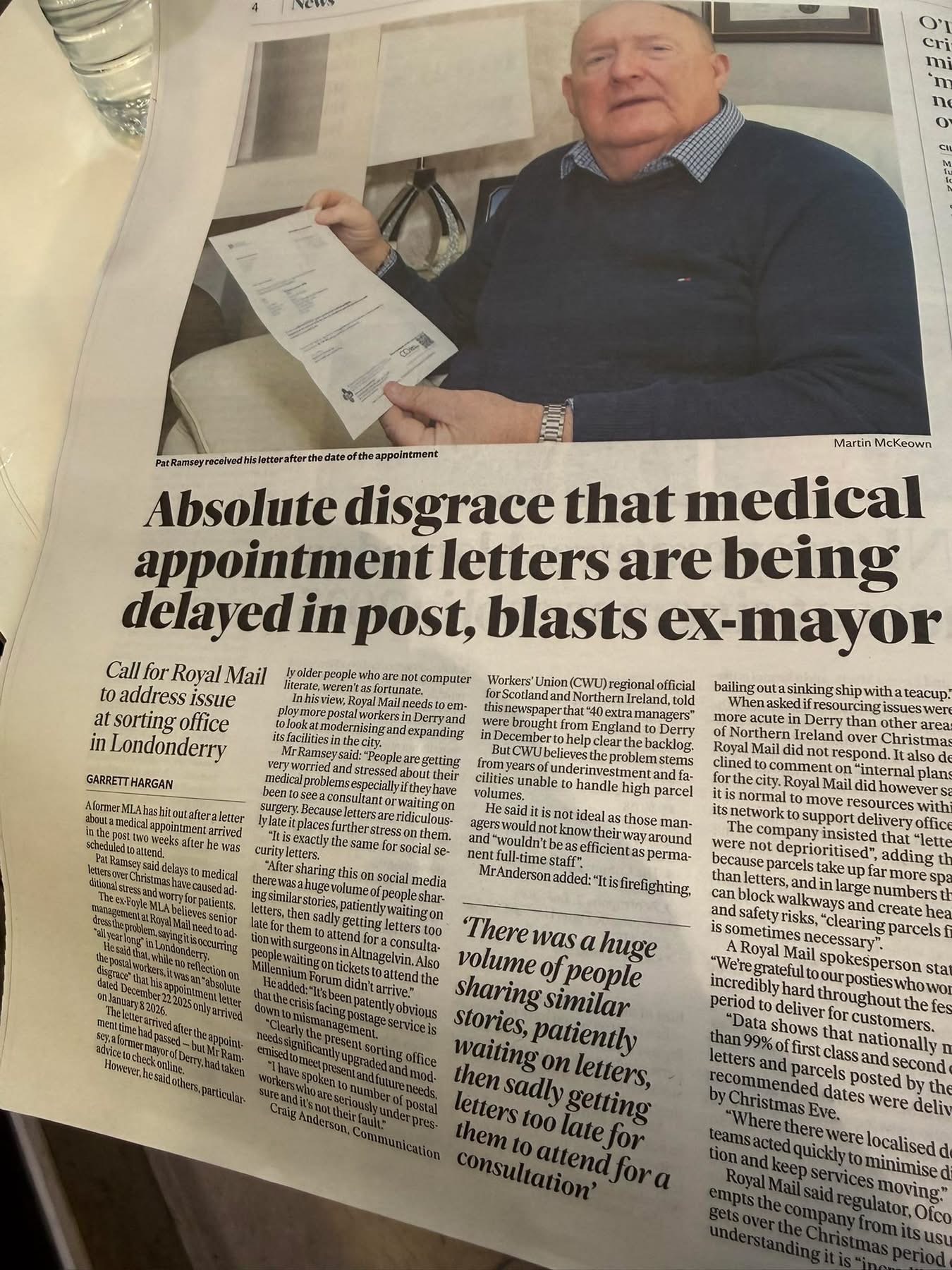
I’m sure many of you saw the recent story about Pat Ramsey highlighting the “absolute disgrace” of hospital appointment letters arriving days—or even weeks—after the actual appointment time.
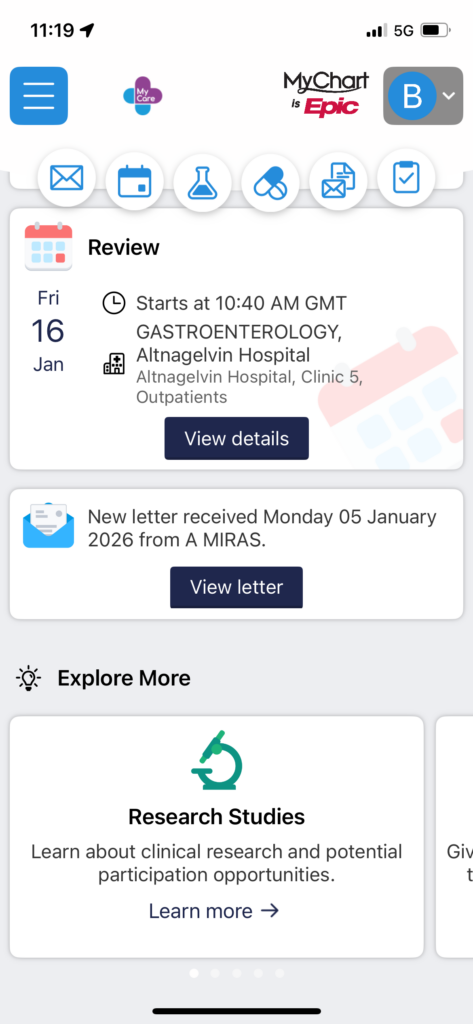
I’m currently waiting on letters for appointments at the Royal and Altnagelvin this week, and despite being posted in December, they still haven’t arrived. If I didn’t have this app, I’d have missed them entirely.
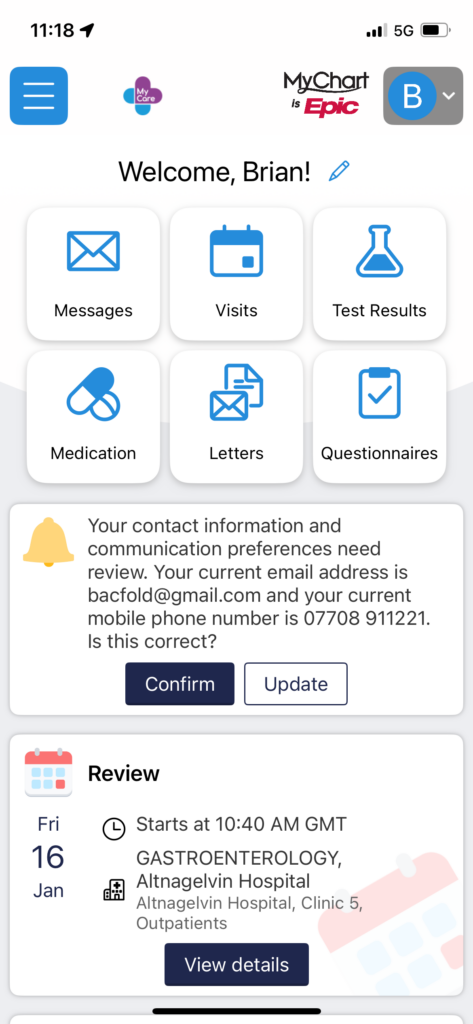
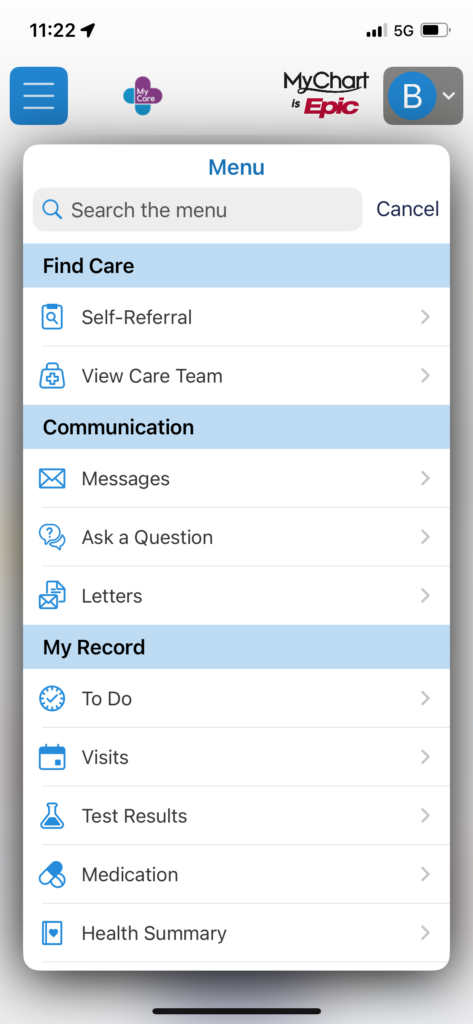
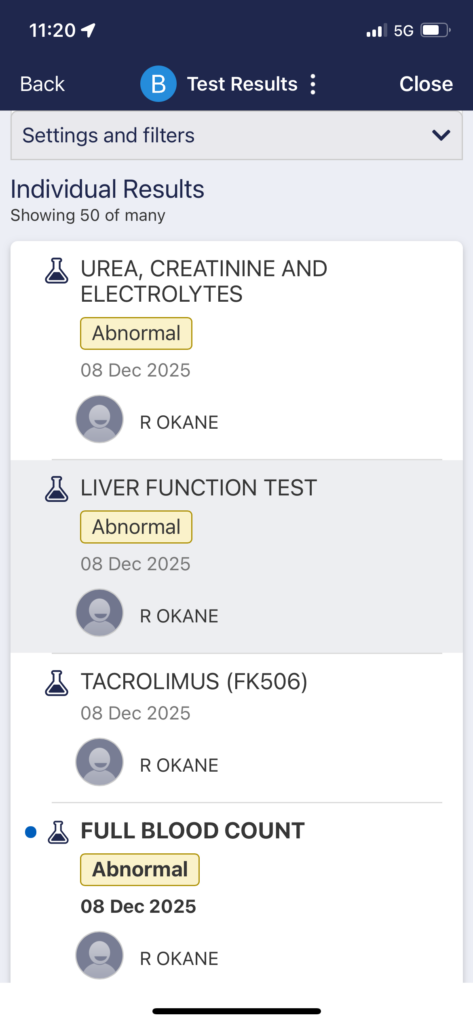
To save yourself the stress, I highly recommend downloading the MyChart app. It lets you see scan results, blood tests, and appointment times long before any letter hits your doormat.
How to Install and Set Up MyCare
It only takes a few minutes to set up, and once it’s done, you can even use Face ID to log in quickly.
- Download the App: Search for “MyChart” in the Apple App Store or Google Play Store.
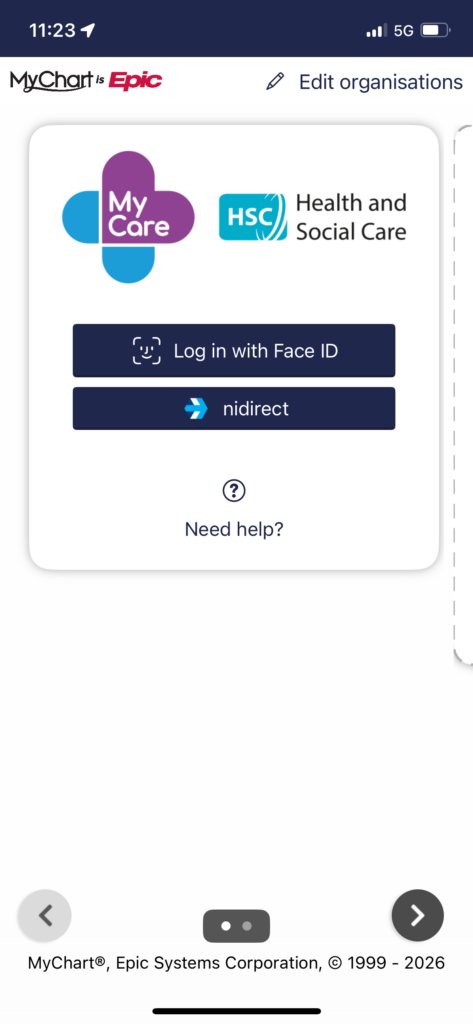
- Select Your Provider: When you open the app, it will ask you to select your healthcare provider. Look for the HSC (Health and Social Care) logo for Northern Ireland.
- Log In via nidirect: As you can see in my screenshot, the app uses nidirect for security. Click the nidirect button.
- If you already have a nidirect account (for your driving licence or MOT), use those details.
- If not, you can create one quickly on the spot.
- Verify Your Identity: Once logged in, the app will sync with the “encompass” system, which holds your electronic patient record.
- Enable Notifications: Make sure to turn on notifications so your phone “pings” the second a new result or appointment is added.
Why It’s a Must-Have - Instant Results: See your bloods and scans as soon as the lab finishes them.
- Live Schedule: No more waiting for the postman—your upcoming appointments are listed clearly.
Peace of Mind: It removes the “unknown” and lets you take control of your own health records.
Don’t let a slow postal service stand in the way of your health. Get it downloaded today!